
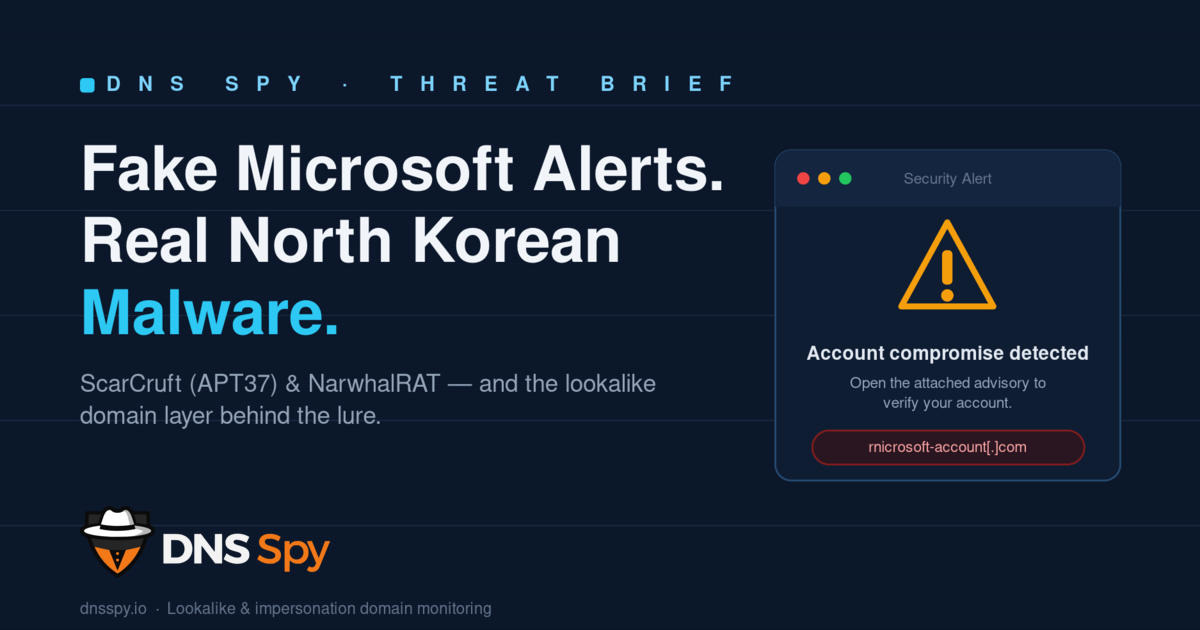
A "Microsoft account security alert" landed in inboxes this week. It warned about possible account compromise and OTP abuse, and urged the reader to open an attached advisory. The alert was fake. The malware behind it was not.
In mid-June 2026, researchers documented a fresh spear-phishing campaign from ScarCruft (also tracked as APT37), a North Korean state-sponsored group. The lure impersonates a Microsoft account-security notification. The payload is a brand-new remote access trojan called NarwhalRAT. For defenders, the most useful lesson isn't about the malware at the end of the chain — it's about the brand impersonation that makes the whole thing believable in the first place.
What happened
The attack starts with an email dressed up as an official Microsoft security warning. It's engineered to create urgency: your account may be compromised, someone may be abusing your one-time passcodes, please review the attached advisory. That sense of alarm is the entire point — it pushes the recipient to open the attachment before thinking it through.
The attachment isn't the document it claims to be. Instead of the expected file, victims receive a ZIP archive containing a malicious LNK (Windows shortcut) file. Opening it kicks off a Python-based, multi-stage loader that ultimately deploys NarwhalRAT.
NarwhalRAT is a capable piece of malware. It runs largely in memory, supports multiple command-and-control channels, and can log keystrokes, capture screenshots, record audio, and harvest system data — selectively pulling what the operators want. Its C2 traffic is relayed through compromised Korean websites and, notably, the legitimate pCloud storage API, which helps the traffic blend in with normal cloud activity.
There's a strategic wrinkle worth noting: APT37 has historically leaned on its signature RokRAT malware almost exclusively. Reaching for an entirely new RAT signals active investment in fresh tooling — and a group that's evolving, not standing still.
Why this works: trust, not technology
It's tempting to focus on NarwhalRAT's in-memory tricks and clever C2. But strip the campaign down and the mechanism is old and reliable: impersonate a brand the victim trusts, manufacture urgency, and ride that trust past the user's defenses.
Microsoft is one of the most impersonated brands in phishing — recent industry analysis puts it second only to Google, with the two plus Amazon accounting for roughly three-quarters of all brand-impersonation attempts. A warning that looks like it came from Microsoft carries borrowed authority. When that authority is wrapped around a fake "your account is at risk" message, even careful people click.
That trust has to be staged somewhere. Convincing impersonation campaigns are built on lookalike and brand-adjacent domains — Microsoft-flavored sender domains, spoofed support and login pages, and infrastructure registered to make every part of the lure feel official. The malicious LNK is the last link in the chain. The domains are often among the first.
Where the domain layer comes in
Here's the part defenders can actually get ahead of. Phishing infrastructure doesn't appear at the moment an email lands — it's registered, configured, and staged beforehand. Attackers spin up lookalike domains, set up mail records so the impersonating address can send, and stand up landing or relay pages. Each of those steps is an observable signal that exists before the campaign goes loud.
This is exactly the window DNS Spy is built to watch. Continuous monitoring of the domain layer turns the quiet pre-launch phase into an early-warning tripwire:
Lookalike and impersonation domain monitoring surfaces newly registered domains that mimic your brand (or the major brands your team and customers trust, like Microsoft) — typosquats, character swaps, and homoglyph tricks included.
DNS record change detection flags drift in MX, NS, A, and TXT records — the kind of quiet reconfiguration that turns a parked lookalike domain into a live phishing sender.
Continuous attack-surface visibility means you're not finding out about an impersonation domain from a victim's help-desk ticket. You're seeing it when it's registered, while there's still time to warn employees, file takedowns, and block.
No tool stops a determined nation-state actor on its own, and DNS Spy doesn't claim to disarm NarwhalRAT. What domain monitoring does is collapse attacker dwell time on the part of the kill chain that's visible to you — the registration and staging of the lookalike infrastructure that makes campaigns like this one credible.
What to do this week
For security and IT teams, a few practical takeaways:
Treat unsolicited "account security" emails with attachments as hostile by default — especially ZIPs containing shortcut (.lnk) files, which have no legitimate reason to arrive that way. Verify Microsoft account alerts by navigating directly to the official portal rather than clicking or opening anything in the message. Remind users that real providers don't deliver urgent security advisories as ZIP attachments.
And get visibility into your domain attack surface. The lookalike domains used to impersonate your brand — or to make a "Microsoft" alert look real to your people — are findable before they're weaponized. The earlier you see them, the more options you have.
See your domain attack surface the way attackers do. Run a free scan with DNS Spy and start monitoring for lookalike and impersonation domains targeting your organization.
Sources
Fake Microsoft Alerts Used to Deploy North Korean NarwhalRAT Malware — The Hacker News
North Korean hackers use fake Microsoft alerts to deploy NarwhalRAT malware — SC Media
APT37 Hackers Use NarwhalRAT Malware With MS-Themed Phishing and Dead-Drop C2 — GBHackers
Typosquatting & Brand Impersonation Trends and Tactics — Zscaler ThreatLabz