
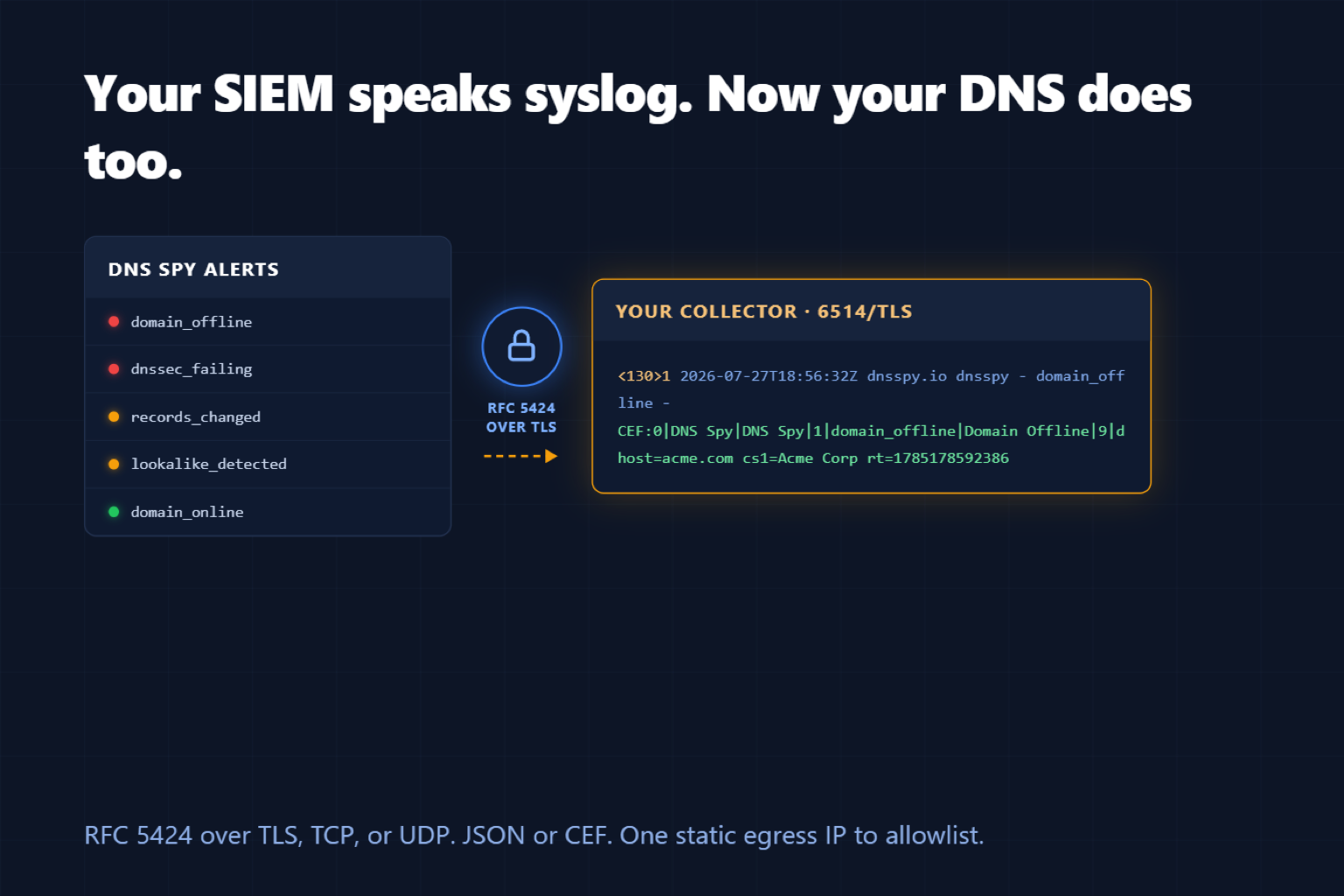
TL;DR
Enterprise teams can now add a Syslog alert channel: every DNS Spy alert delivered as an RFC 5424 message over TLS (or TCP/UDP), formatted as JSON or ArcSight CEF, with syslog priorities mapped from real alert severity. All deliveries originate from one documented static IP, so getting through your collector's firewall is a single allowlist rule.
No Middleware, No Translation Layer
Two weeks ago we shipped webhook alerts — structured JSON to any HTTPS endpoint. For teams whose pipeline starts at an HTTP collector, that's perfect. But a huge share of security operations still runs on syslog: QRadar and LogRhythm ingest it natively, ArcSight's entire ecosystem is built on CEF, and nearly every on-prem environment already has an rsyslog or syslog-ng aggregation tier.
Those teams shouldn't need a webhook-to-syslog shim just to see DNS events next to their firewall logs. Now they don't.
What a DNS Spy Syslog Message Looks Like
<130>1 2026-07-27T18:56:32+00:00 dnsspy.io dnsspy - domain_offline - CEF:0|DNS Spy|DNS Spy|1|domain_offline|Domain Offline|9|externalId=25ae9460-… rt=1785178592386 dhost=acme.com cs1Label=Team cs1=Acme Corp msg={"domain_id":1337}Real severities — the syslog priority encodes your chosen facility plus the alert's actual severity: a domain outage arrives as severity 2 (critical), a recovery as severity 6 (info). Your existing priority-based routing just works.
Route on MSGID — the event type rides in the RFC 5424 MSGID field, so collectors can filter phishing detections from record changes without parsing payloads.
JSON or CEF — the JSON payload is the same versioned schema as our webhook alerts (one parser for both channels); the CEF payload drops straight into ArcSight-compatible pipelines with severity on the 0–10 scale.
TLS first — RFC 5425-style TLS with octet-counting framing is the default, with plain TCP and UDP available for collectors that need them. Self-signed collector certificates are supported with an explicit per-channel opt-in.
One IP to allowlist — every DNS Spy SIEM delivery, syslog and webhook alike, originates from a single documented static address. One firewall rule and you're done.
The Same Delivery Guarantees as Webhooks
Syslog channels inherit the delivery machinery we built for webhooks: transient failures retry with backoff, every attempt is recorded in the channel's Delivery Log, persistent failures deactivate the channel and email the team owner rather than dropping alerts silently, and a Send Test button delivers a synthetic event so you can verify your collector before anything real fires.
Getting Started
Syslog alerts are available now on the Enterprise plan (and during trials). Go to Team Settings → Alert Channels, create a Syslog channel, allowlist our egress IP on your collector's firewall, and hit Send Test. The full setup guide — including rsyslog and syslog-ng configuration examples and the CEF field mapping — is in the Syslog Alerts documentation.
Not monitoring your domains yet? Start a free 7-day trial; nothing is charged until it ends.