
A defaced website is a strange kind of outage. The server is up. The page loads quickly. Every uptime check you have is green. And your customers are reading a message someone else wrote.
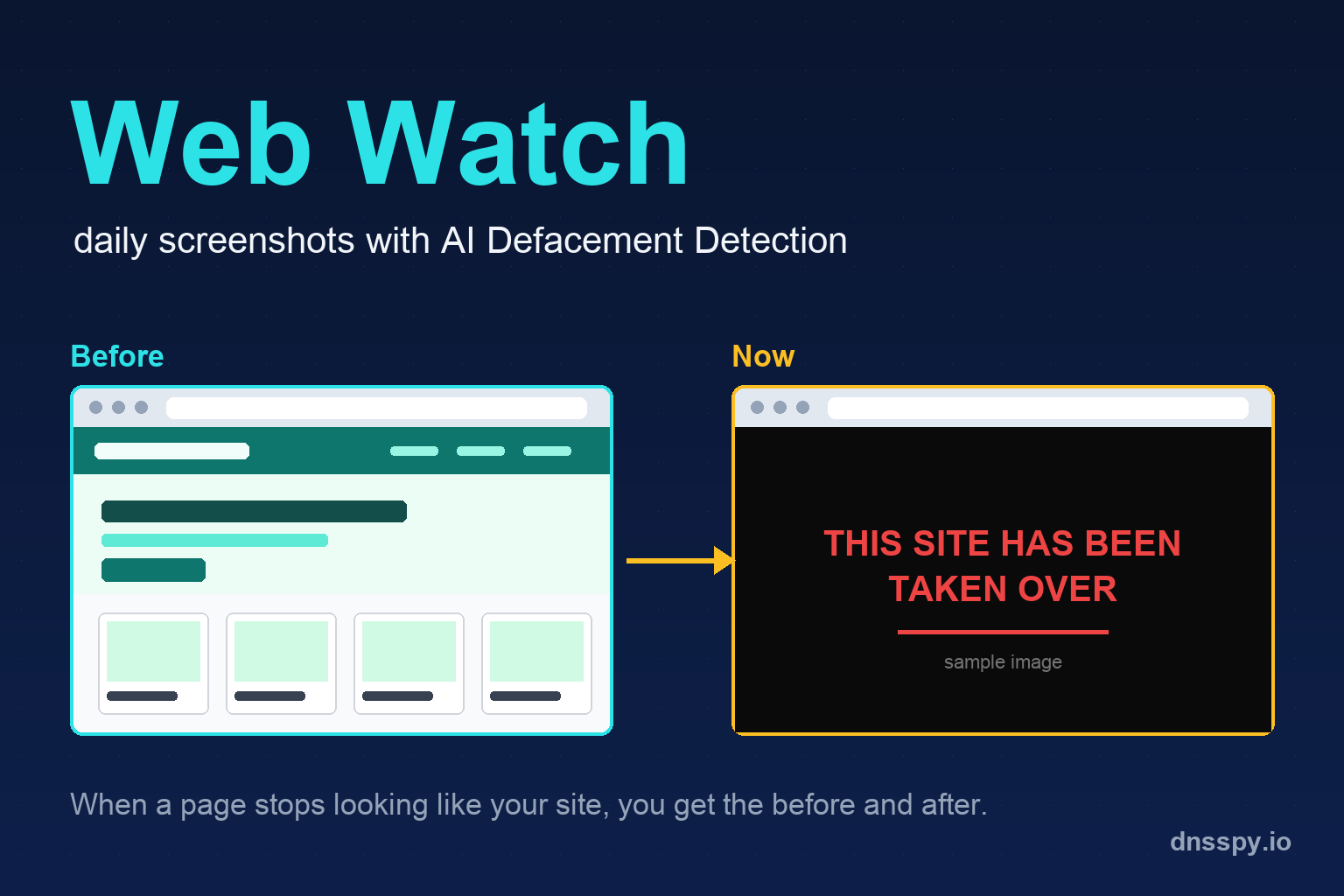
Today we are launching Web Watch, with AI Defacement Detection, for DNS Spy Enterprise. It visits the websites behind your DNS records every day, takes a screenshot, and tells you when a page stops looking like your site. The alert carries the before and after pictures.
Why a DNS monitoring product is looking at web pages
DNS Spy has always answered one question: did your DNS change, and did you mean it to? That catches a hijacked record. It does not tell you what is being served at the end of that record, and it says nothing when the record is untouched and the web server behind it is the thing that was compromised.
Customers kept describing the same gap. They knew where every hostname pointed. They did not know what was there. Web Watch closes that gap, and because it sits next to your DNS record history, a changed A record and a changed homepage on the same day show up as one story.
How it works
It finds your websites. Hostnames are picked from the A, AAAA and CNAME records DNS Spy already monitors. There is nothing to install and no list to maintain.
It looks every day. Each site is checked over HTTPS and HTTP and opened in a real browser for a screenshot. The first good screenshot becomes the baseline.
It judges the change. When a new screenshot differs enough from the baseline, an AI model is shown both screenshots and the text of both pages, and answers one question: is this still the same legitimate site?
It alerts with evidence. A suspected defacement alerts you once, with both screenshots and the model's reason, on the channels you already use. You hear again when the site looks normal.
The hard part is not alerting
Detecting that a web page changed is easy. Web pages change all day. A tool that alerts on every difference is switched off within a week, and then it protects nobody.
So we spent most of the work on staying quiet. In its first hours across customer sites, about one screenshot in nine had changed enough to be worth a look. Every one of those was ordinary: a rotating hero photo, a background video caught on a different frame, a cookie banner, an events list rolling over to next month, a shop swapping its campaign banner. The model called each of them what it was, the new page became the baseline, and nobody was alerted. None were flagged as a defacement.
That is the behaviour we want. An alert from Web Watch should be rare enough that you open it.
What the alert looks like
When the model does judge a page hostile, the alert says so plainly and shows its working:
The hostname and when the screenshot was taken.
The screenshot from before and the screenshot from now, both in the email.
The model's reason in a sentence or two, for example that a storefront has been replaced by a single page carrying a message from an unknown group.
A link to the hostname in Web Watch, where one click marks the page as yours if the model got it wrong.
The alert always says suspected. A model can be wrong, which is why the pictures are in the alert and the decision stays with you. If you tell Web Watch the page is not a defacement, that page becomes the baseline and you are not asked again.
More than the screenshot
Each daily check also records how the site answers: the status code, the redirect chain, the page title and the server software it announces. Web Watch flags four common mistakes: a server that discloses its version, HTTP that does not redirect to HTTPS, a default server page, and an open directory listing.
It is also a quick way to find hostnames you had forgotten. A record pointing at a registrar parking page, or at a site you do not recognise, is easy to miss in a zone file and hard to miss in a picture.
A scanner that says who it is
Web Watch visits each site about as often as one curious visitor. Every request identifies itself as DNSSpy-WebWatch, and the addresses it comes from are published so you can allow them in a firewall or bot protection. If a site blocks the scanner, Web Watch reports that it was blocked. It does not try to get around the block.
Availability
Web Watch and Defacement Detection are live now for every Enterprise team and every Enterprise trial. If you are already on Enterprise, there is nothing to switch on: open Web Watch in the left navigation and your sites are there. Defacement alerts arrive on your existing alert channels, and you can send yourself a test of each one from the channel settings.
If you are on Personal, the same menu item shows what Web Watch does and how to upgrade. New to DNS Spy? Start a 7-day Enterprise trial and your first screenshots arrive the same day. The full details are on the Web Watch feature page.